



Mini
Ideas and small refinements
LiveNow · AI website builder
Describe your idea and let AI build your website or web app. Refine the design and publish on your own domain.
Build websites with leading AI models
Leading AI models, one workspace
Work with OpenAI, Claude, DeepSeek, Grok and Gemini. Available models depend on your plan and service configuration.
Ideas and small refinements
Page creation and work across files
Complex projects and deeper work
Choose Mini, Pro or Max for your AI website project and connect the services you need.
Website examples
From company websites to data-driven services. Describe your business and purpose, then make the design yours.

Company introductions, services and enquiries
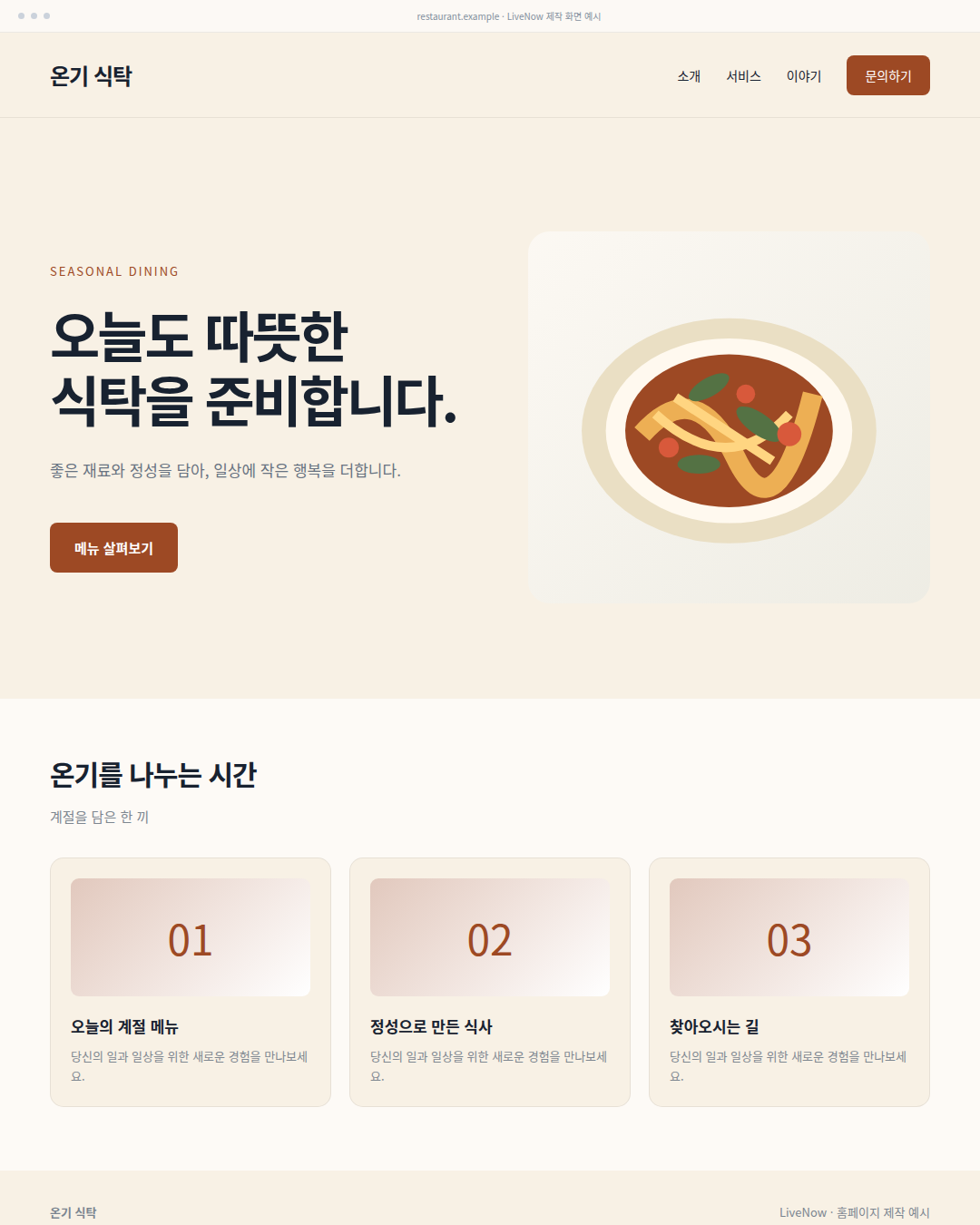
Menus, spaces and directions
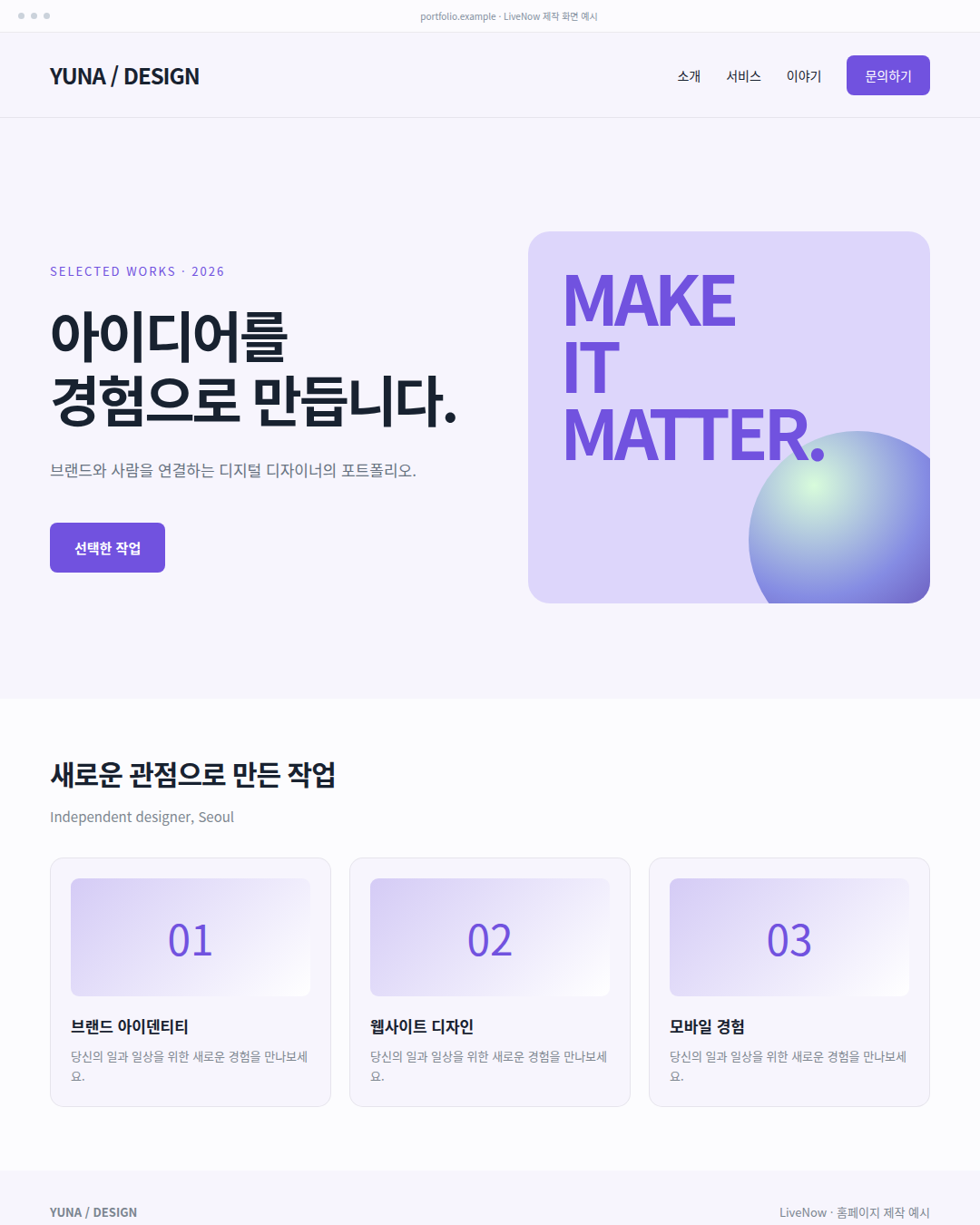
A personal website for your work and story
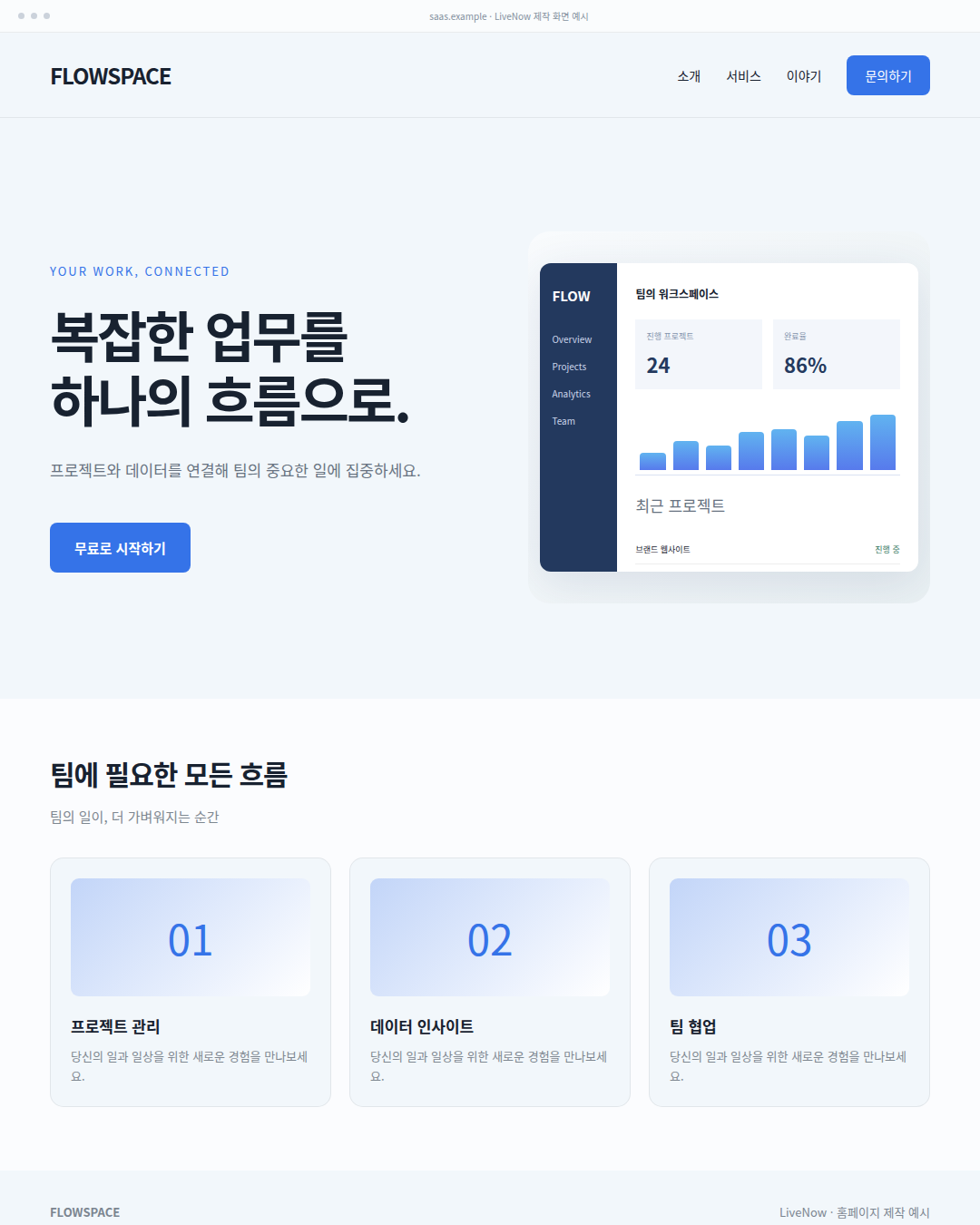
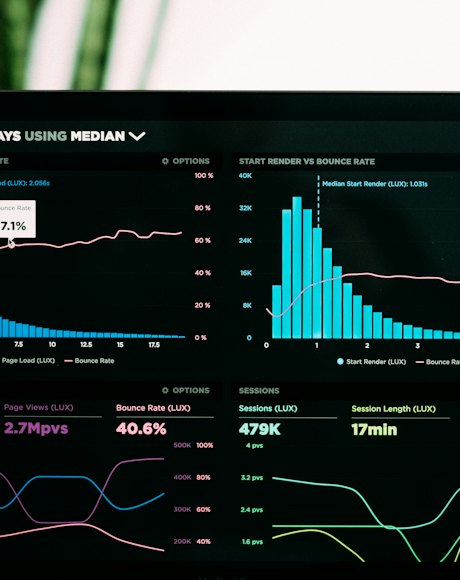
Dashboards and data-driven interfaces
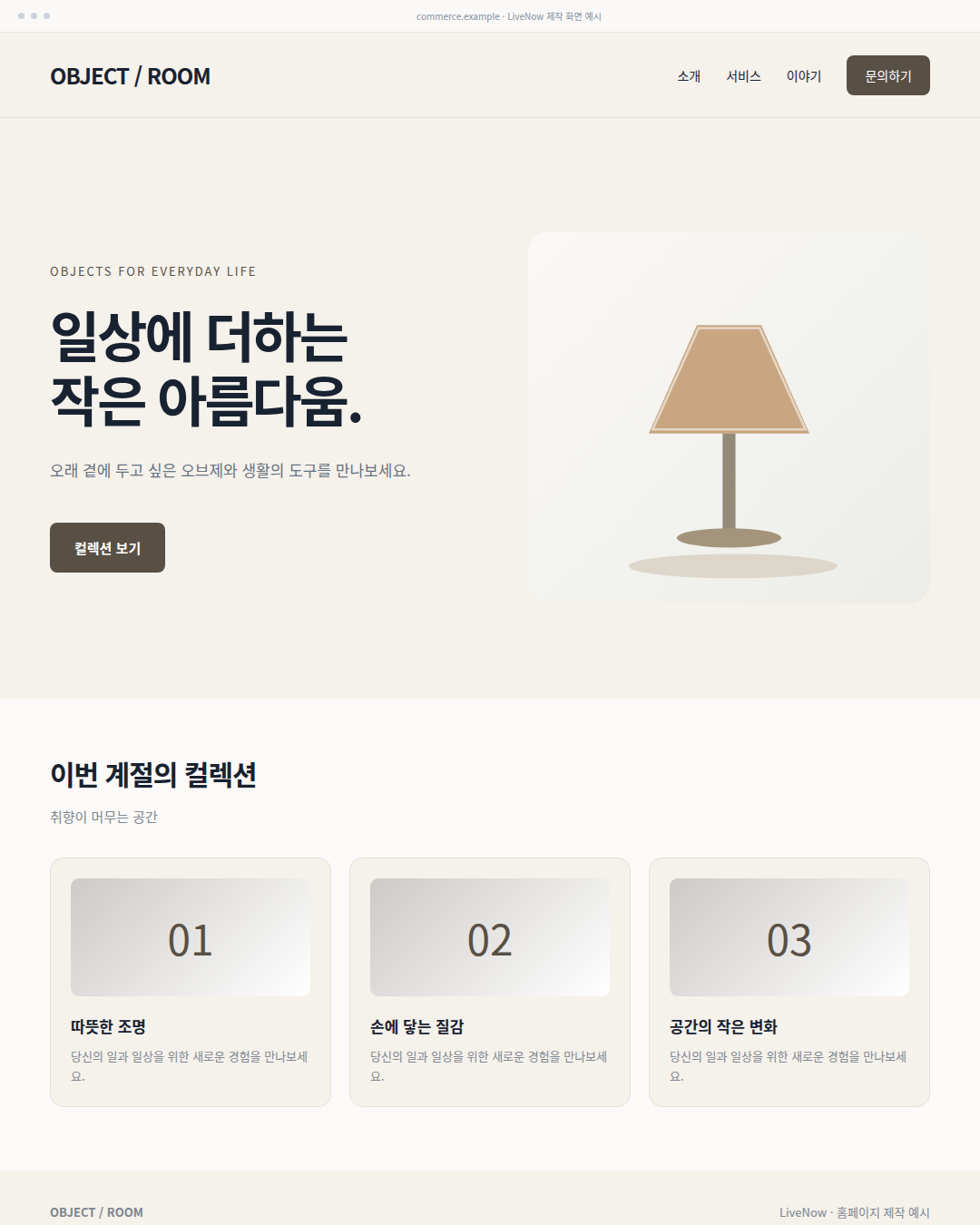
Product collections and shopping interfaces
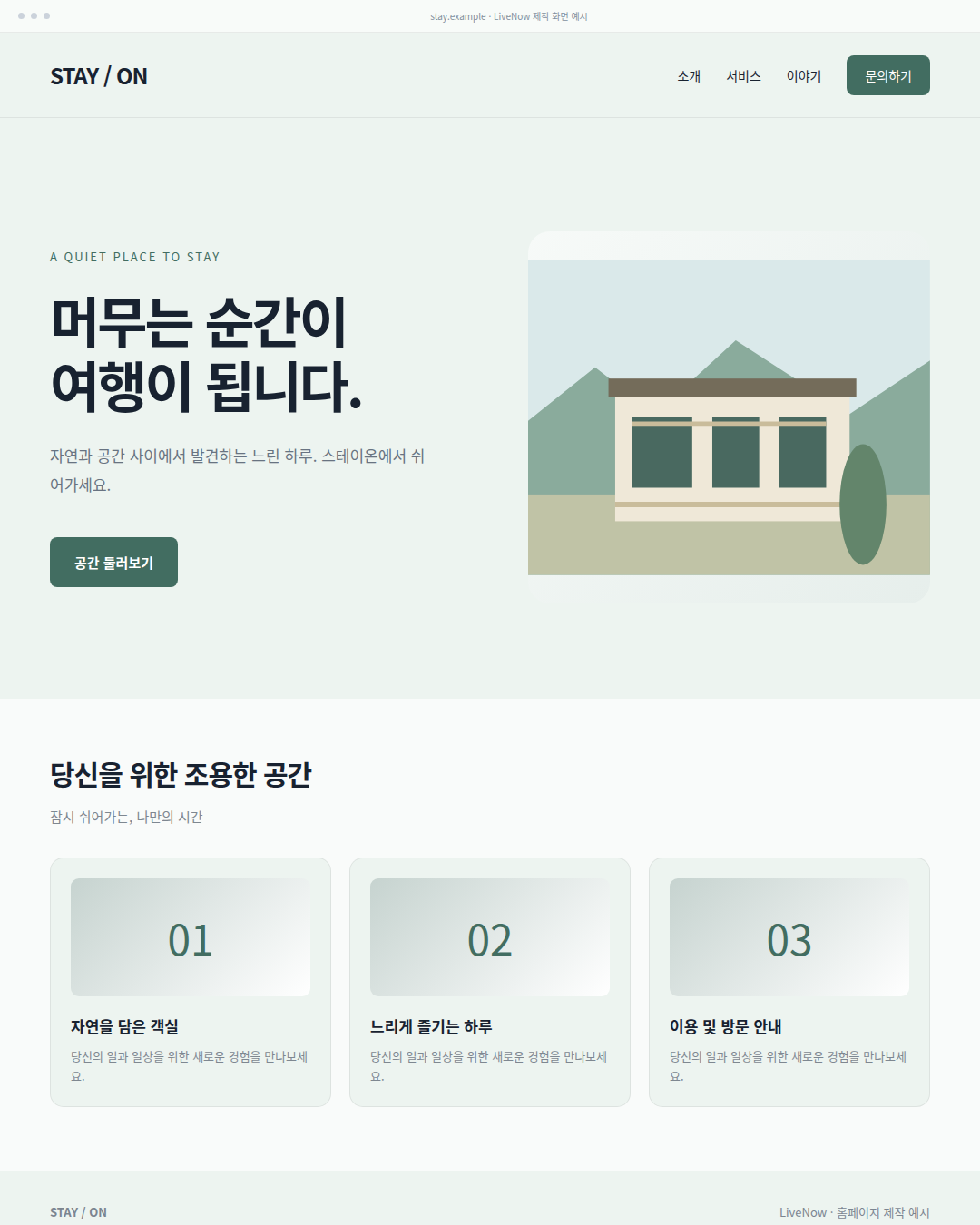
Rooms, spaces and visitor information
Original example websites, built and captured as complete screens. These are design demonstrations; payments and bookings require separate integration.
POWERFUL FEATURES
Research, edit and run your project in one workspace, from the first screen to the final detail.
Select elements and adjust fonts, colors, backgrounds, layout, spacing, borders, shadows and opacity.
Visual editor Get startedSend selected elements and screenshots to AI with your requested design changes.
AI design editing Get startedUse the file tree, CodeMirror, search and tabs alongside npm commands, builds and logs.
Code & terminal Get startedConnect Supabase databases and GitHub repositories to manage data and source code.
Data & GitHub Get startedValidate generated files and run repair loops. Fix credits are managed separately.
Build checks & error repair Get startedCheck desktop, tablet and mobile views with browser WASM or server Vite execution.
Live preview Get startedImport repositories and sync code. Save projects and import or export ZIP archives.
GitHub & projects Get startedFrom an idea to a website
Connect AI chat, project files and preview in one workspace. Review the generated code and make small changes directly.
Your own website, built from a one-minute brief
Share your direction with natural language, images, PDFs and ZIP files.
The AI agent writes and edits files while streaming progress.
Refine your design in desktop, tablet and mobile previews.
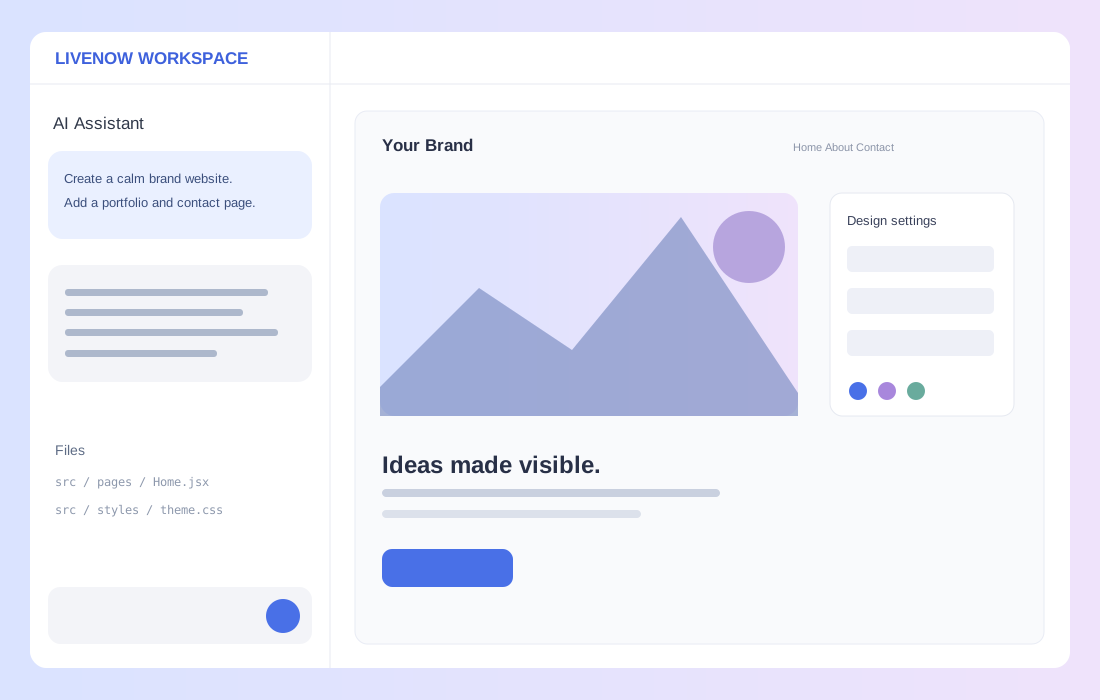
Describe your preferred style and the pages you need.
Check the generated screens at desktop, tablet and mobile sizes.
Adjust selected elements directly and ask AI for larger changes.
All features
Explore tools by category. External integrations require account connections and API configuration; availability depends on your plan.
Describe your idea and turn it into real files.
Refine selected elements directly on the screen.

Share elements and screenshots to request design changes.

Find useful references and use them in your project.

Edit files and run or build your project.
Build web apps connected to Supabase.
Connect your code and manage your projects.
Publish and share your website on your domain.
Turn requirements and references into real projects
Natural-language prompts, AI agents, file creation and editing, streaming responses
Choose Mini, Pro or Max and leading AI models for your work
Image attachments, PDF analysis and project ZIP uploads
DuckDuckGo and Brave search, webpage text and image URL collection
Unsplash and Pixabay image search
Build SaaS, portfolio, ecommerce and hospitality interfaces with React and Vite
Shape your design while you preview
Browser WASM, server Vite and desktop, tablet and mobile views
Element selection, fonts, colors, backgrounds, layouts, spacing, borders, shadows and opacity
Send selected elements and screenshots to AI for design changes
Tools that connect code and services
CodeMirror, file tree, search, tabs and file saving
npm commands, builds, logs and multiple sessions
Build validation, AI repair loops and separate Fix credits
Supabase OAuth, tables, schemas, SQL and migrations
Repository import and connection, push, sync and pull requests
Organize, share and publish on your domain
Create, save, favorite and manage projects; import and export ZIPs
Subdomains, custom domains, DNS verification and public previews
Share URLs, social sharing, ZIP downloads and thumbnails
Website creation with search in mind
After building your AI website, review readable content, page structure, metadata and domains. Clearly describe your service for SEO and AI search understanding.
Use a clear H1–H4 hierarchy and real content. React websites need rendering checks appropriate to their publishing method.
Check page titles, descriptions, social images and canonicals; consolidate duplicate URLs.
After domain and DNS verification, check public URLs, sitemaps, robots and crawler access.
Clearly explain your service, capabilities, usage and answers to common questions. GEO and AEO also start with useful, readable information.
Search engines determine rankings and indexing. Generating a website does not automatically complete every SEO task.
From your brief to publishing
Describe your idea, review, refine and publish when you are ready.
What would you like to build?
Tell us your business, purpose, preferred style and required features.
AI creates real files
The AI agent creates and edits files and shows progress.
Preview and make it yours
Make small edits directly and work with AI on larger design and feature changes.
Publish on your own domain
Validate screens and links, review domains and search settings, then publish.
Plans & credits
Choose a plan for your project and usage. Prices and features below reflect the current service configuration.
3 projects · 100 Lab credits / mo
Start free25 projects · 2,500 Lab credits / mo
Choose ProUnlimited projects · Unlimited Lab credits / mo
Talk to usAI credits cover generation and editing. Consumption depends on the model and task.
Separate credits for error repair. Check each plan for allowances and limits.
Website guides & SEO
Find guides to AI website creation, Google and Naver SEO, and domain management on the blog.
Prepare your brief and check structure and links in preview. Published guides will appear here as they are released.
Before you start
Answers about building, editing, credits and publishing.
LiveNow provides a workspace to edit, run and build real code. Connect Supabase and GitHub to work on data-driven web apps as well as websites.
Start by describing your website and review the AI output in preview. Complex features and external integrations need additional setup and testing.
Connect models from OpenAI, Claude, DeepSeek, Grok and Gemini, and choose Mini, Pro or Max for your task. Available models depend on service configuration.
Supported direct editing lets you change images, alt text, copy and links without AI calls. For larger design changes, send selected elements and screenshots to AI.
Limited repair loops address errors found in builds and file checks. Repairs use separate Fix credits and cannot guarantee every error is resolved.
Review page structure, content, metadata, canonicals and crawler access. Additional work depends on implementation and publishing; search engines determine rankings and indexing.
Supported plans include domain connections and DNS verification. Project ZIP import, export and sharing are also available; check your plan for details.
Your next idea
Start with a brief, refine visually and publish on your domain.
Open 라이브나우
This preview is embedded in a frame. Open the full site in a new tab for the best experience.